


How can I convert / use my SD card as Internal Storage on my Android Marshmallow phone?
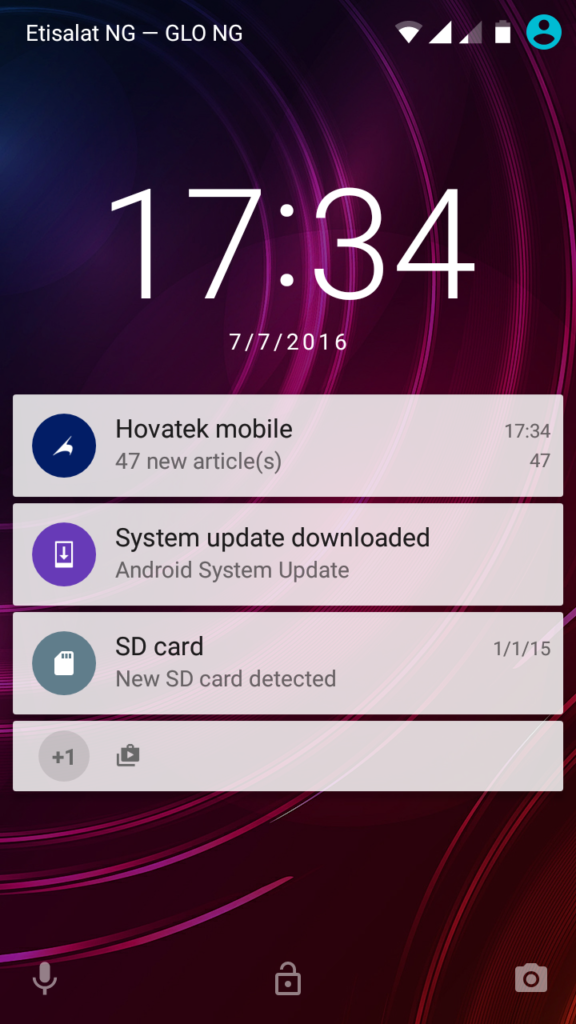
1. Switch off the phone, insert the SD card you wish to use as internal storage then boot up the phone. You should get a notification that a new SD card has been detected; double tap the notification
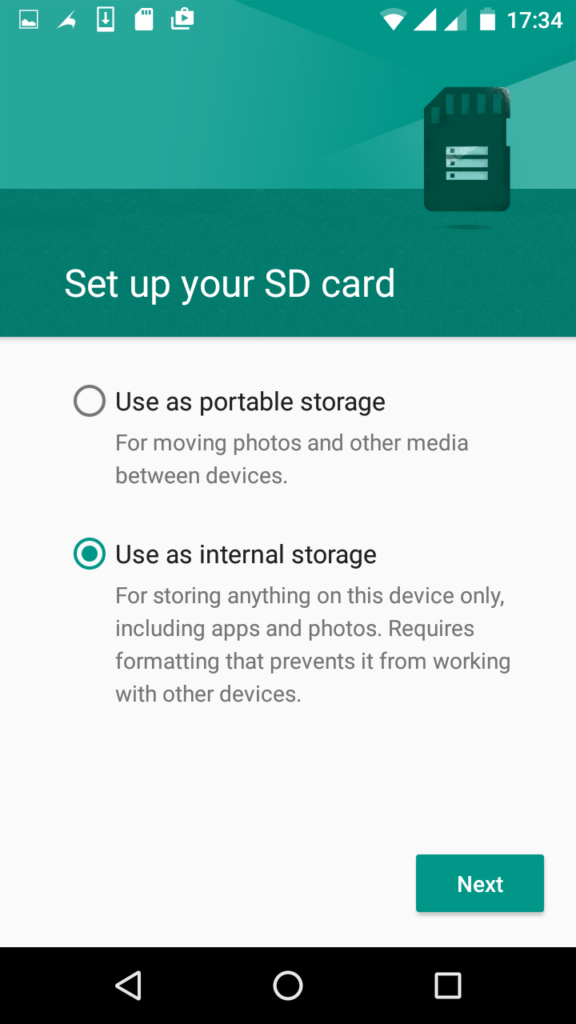
2. Tick Use as internal storage then tap Next
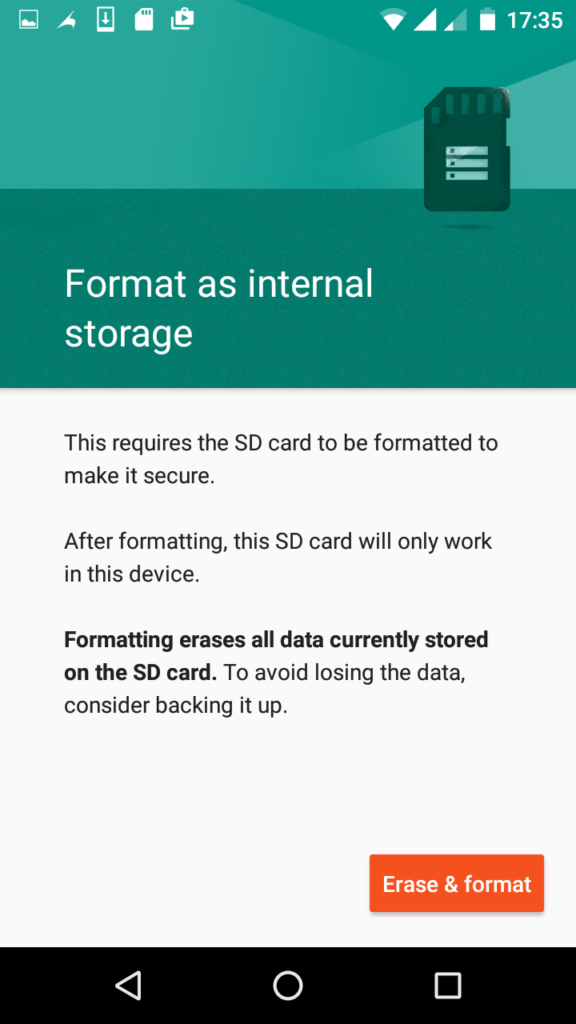
3. Tap Erase & format (ensure to have backed up important stuff on it)
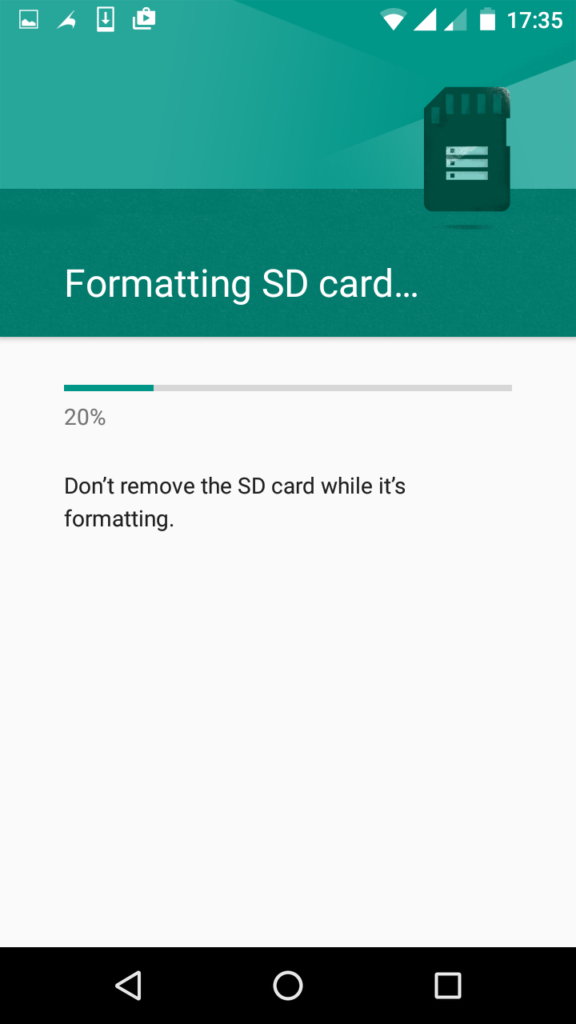
4. Wait while the SD card gets formatted
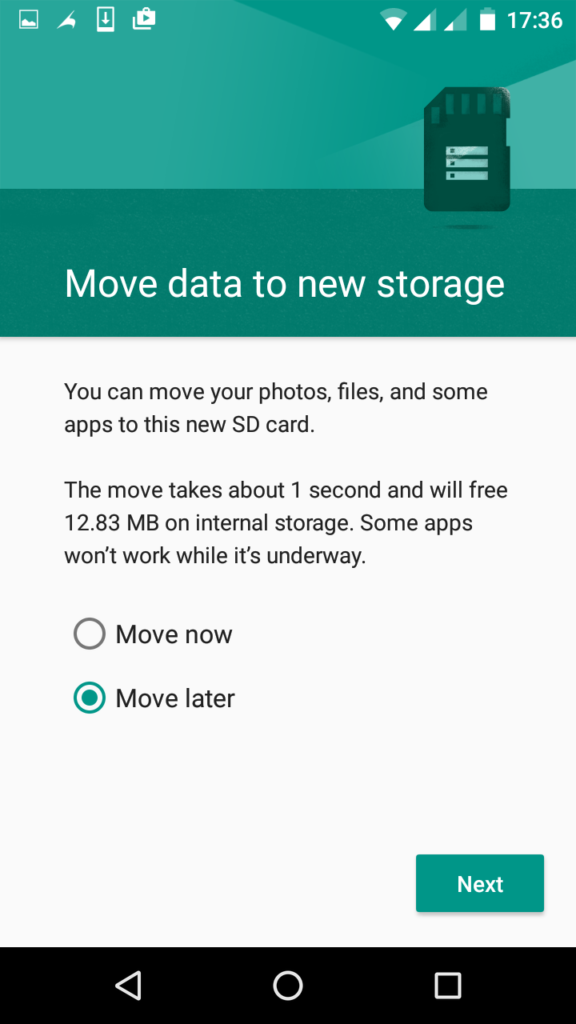
5. Tick Move now or Move later depending on when you wish to move media files from the internal storage to the newly prepared SD card then tap Next
6. Tap Done
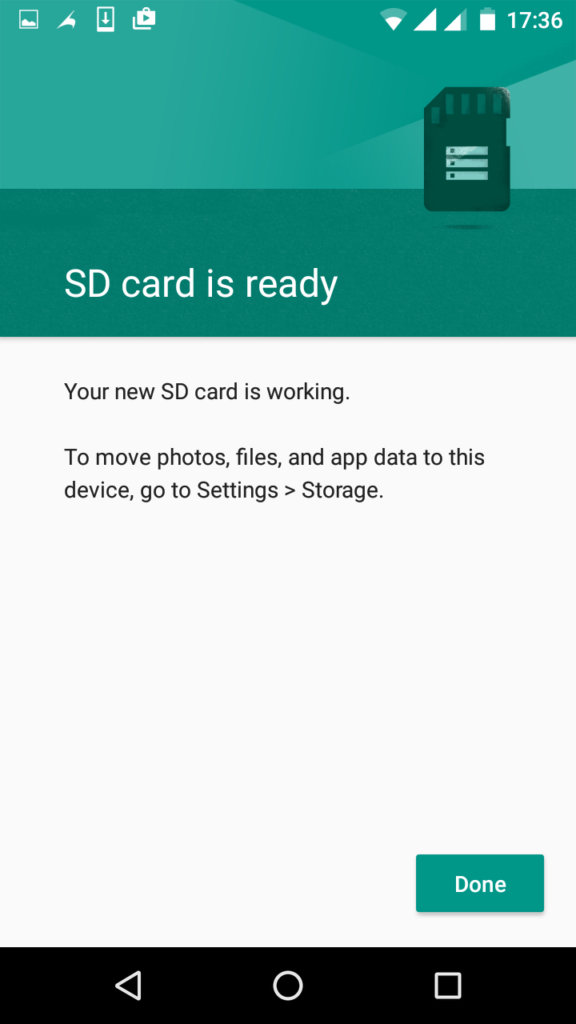
PHOTO CREDIT - HOVATEK


No comments:
Post a Comment